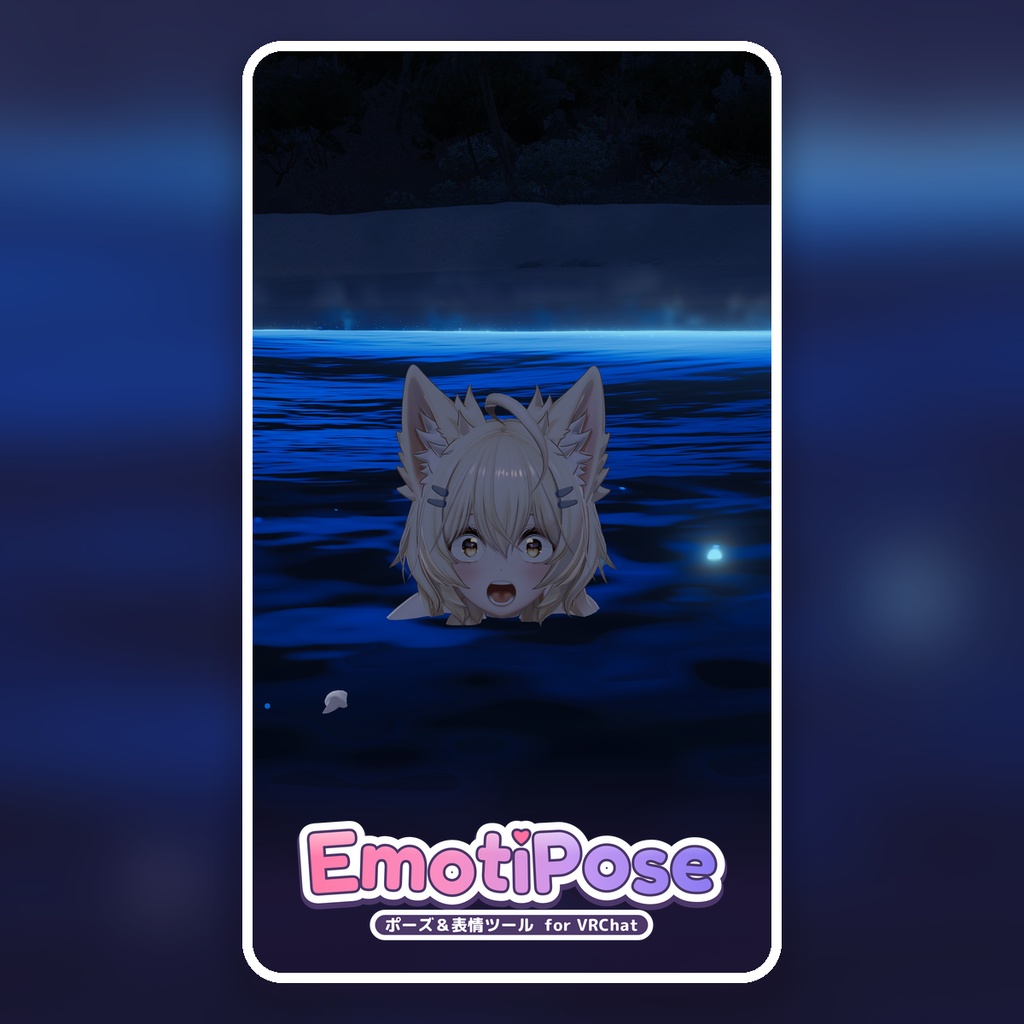
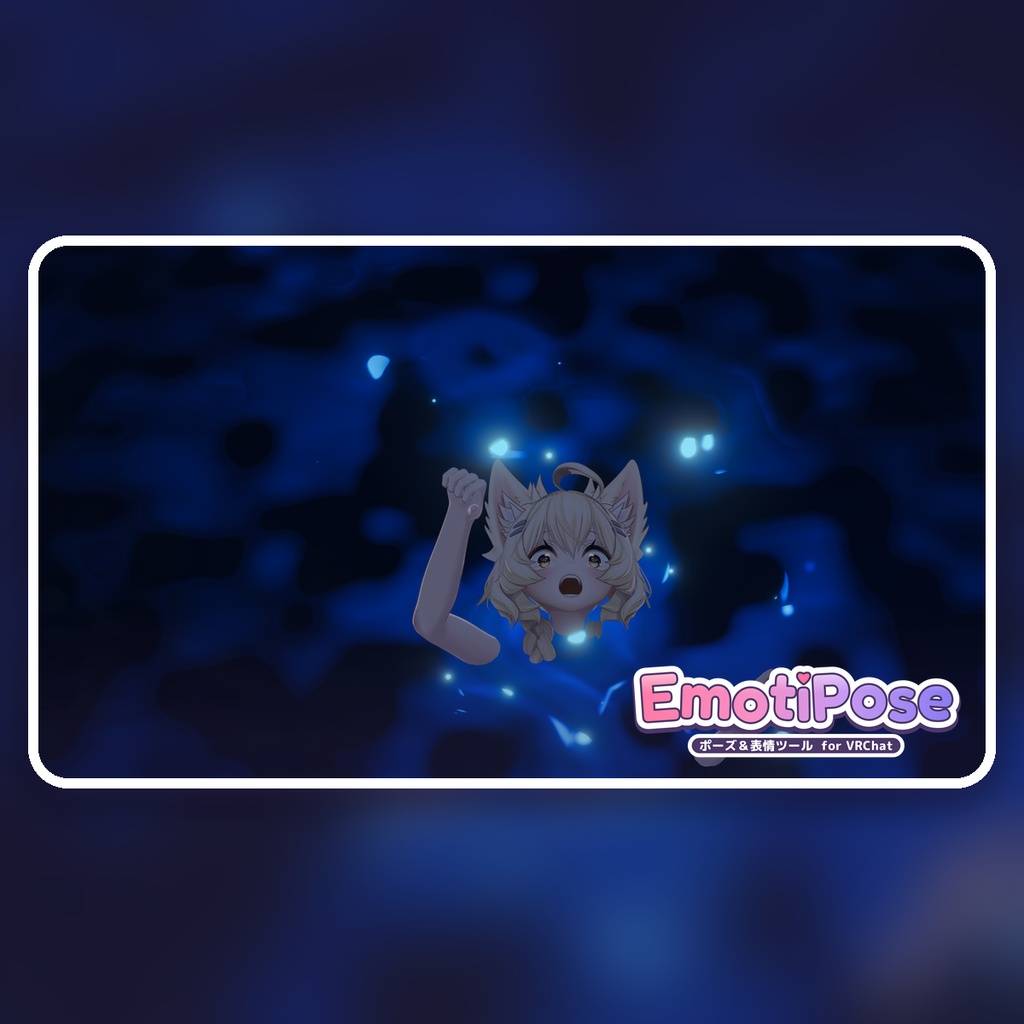
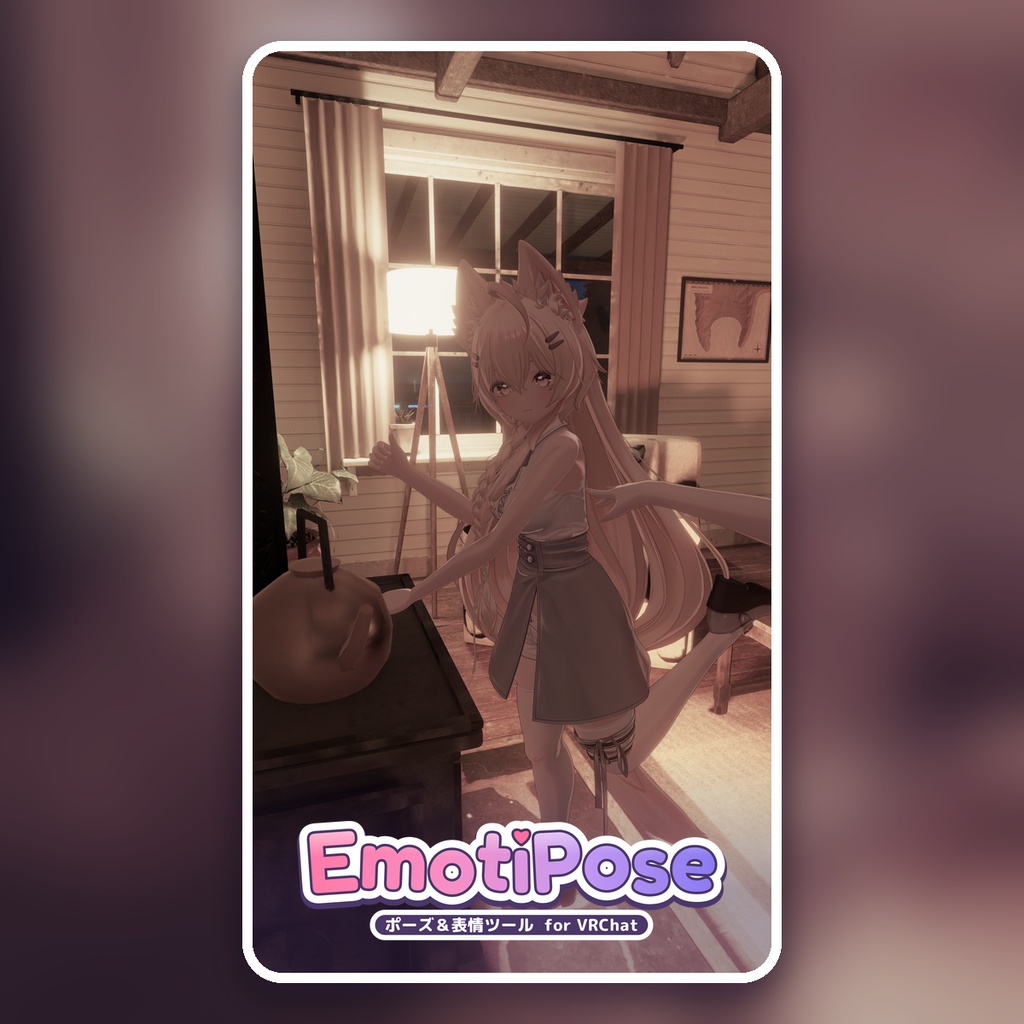
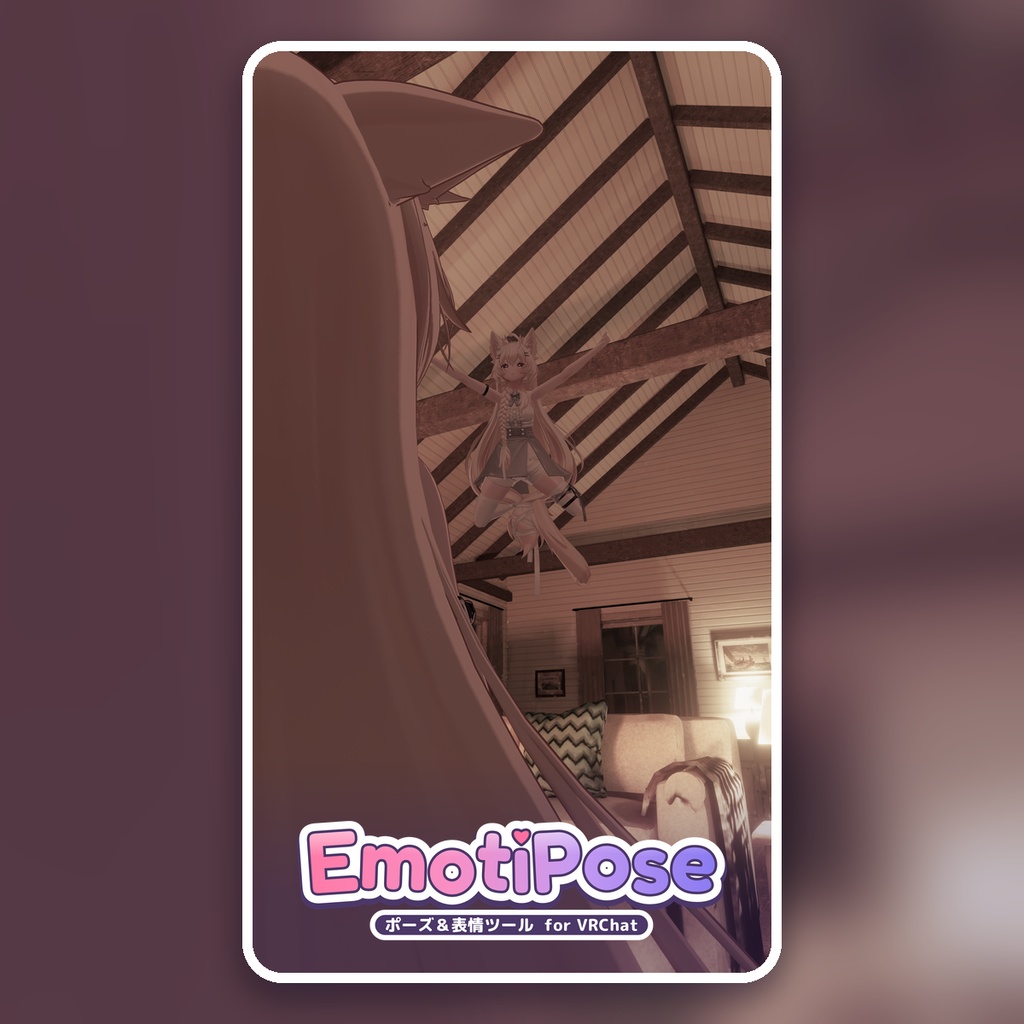
EmotiPose|VRChat向け表情・ポーズ作成ツール / Expression & Posing Tool
- ダウンロード商品¥ 1,500
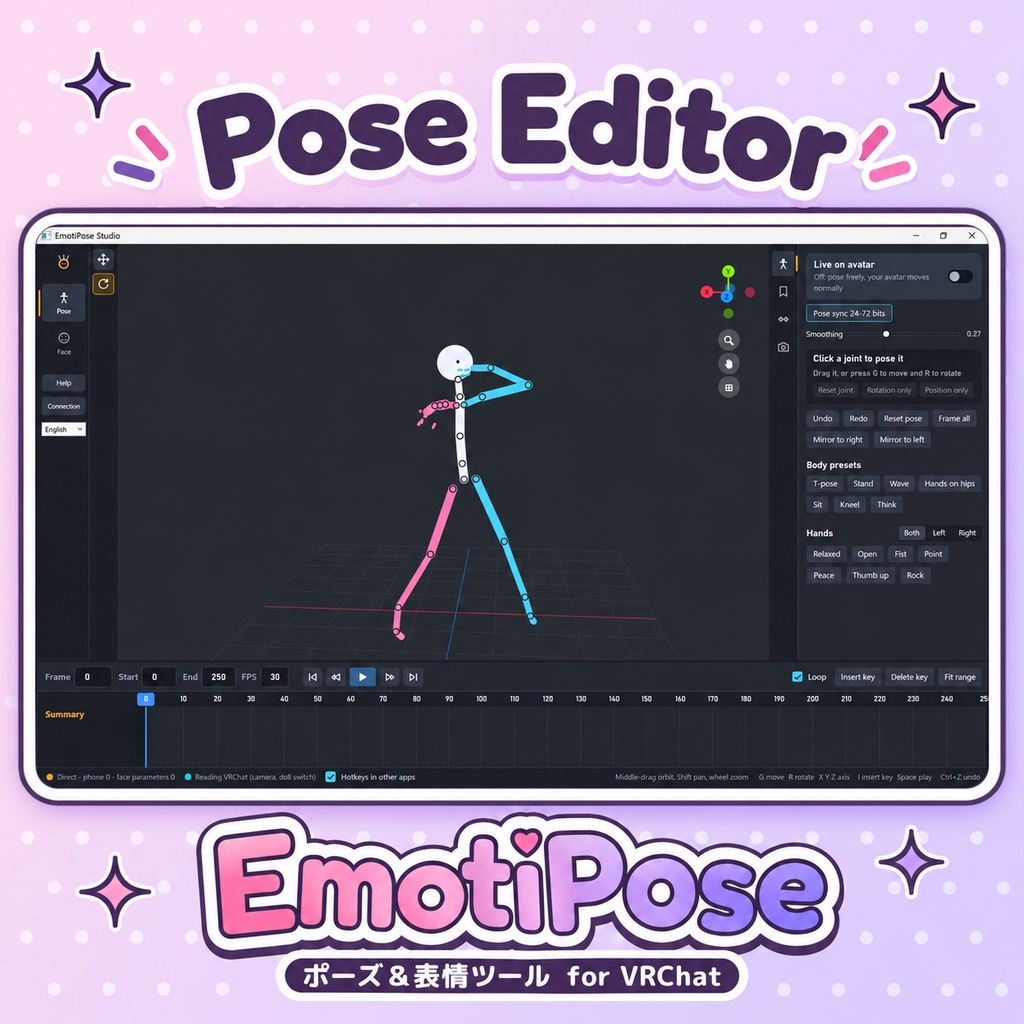
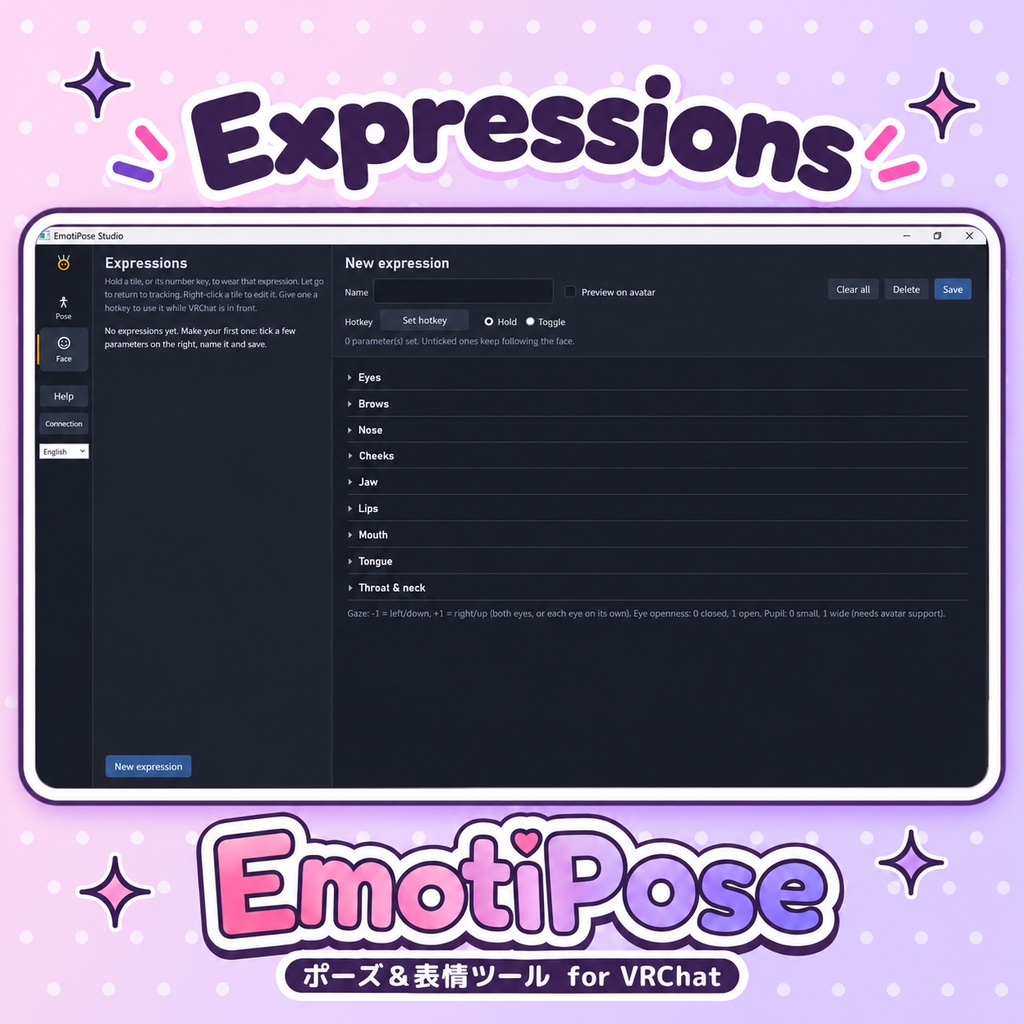
EmotiPoseは、VRChat用の表情・ポーズを作成・保存できるWindowsツールです。ボタンやキーで表情を呼び出せるほか、Androidの前面カメラで顔をトラッキングできます。表情・ポーズ編集はスマートフォンなしでも使え、VRヘッドセットも不要です。 標準はStudioからVRChatへのOSC直接接続です。VRCFaceTrackingは、調整機能や他のトラッキング機器を使うための任意の互換モードとして選べます。 できること ・表情をスライダーで調整して保存。キーは長押し/切り替えに対応し、グローバルホットキーならVRChat操作中も使えます。指定した項目だけを上書きし、他の顔トラッキングは続きます。 ・関節や回転リングでポーズを調整。全身・手のプリセット、左右コピー、元に戻す、関節の位置/回転リセット、ポーズの保存・読込に対応。 ・端末の顔トラッキングとStudioのボディ操作を併用できます。映像は端末内で処理し、暗号化した数値だけをLAN内のPCに送ります。 ・タイムラインでアニメーションを作り、.pfanimで保存。VMD/対応するUnity Humanoid .animの読込・編集・書出しと、アニメーションのホットキーに対応。 ローカルOSCと他のプレイヤーへの同期 ローカルのポーズはOSCで即時・リアルタイムに反映され、分割同期を待ちません。24~72ビットと下記の秒数は他のプレイヤー向けです。多いほど1回に送れる値が増えます。マッスル方式・既定の0.2秒間隔で全身を1巡する目安: 24ビット:約9.6秒 32ビット:約6.4秒 40ビット:約4.8秒 48ビット:約3.8秒 56ビット:約3.2秒(初期設定) 64ビット:約2.8秒 72ビット:約2.4秒 全95値を送る計算上の目安で、ローカルの待ち時間や到達時間の保証ではありません。変更した関節が少なければ早く届く場合があり、VRChatの同期・圧縮、通信、補間、更新の取りこぼしで長くなる場合もあります。 表情も分割同期を待たずリアルタイムで反映されます。通常のフレーム処理・トラッキング・補間・通信の遅延は発生します。同期枠はソロでもアバターの容量に確保されます。 容量変更にはUnityでの再構築・アップロードと、送信側の同期値数の一致が必要です。顔や他の機能の容量は別途必要。従来方式は25ビット固定です。 同梱内容 Windows版Studio、Android APK、任意のVRCFTモジュール、Unity用ドールパッケージ、サンプルモーション、日本語・英語のセットアップ/操作/Unity導入ガイド。 アプリとUnity設定は日本語・英語に対応。Studioの言語変更は再起動後に反映します。 導入 1. VRChatのOSCを有効にしてStudioの「接続」を開きます。初期設定は直接接続です。使用中はStudioを開いておいてください。 2. ポーズを使う場合はUnityパッケージをアバターに導入してアップロード。 3. 顔トラッキングを使う場合はAPKを入れ、Studioに表示されるPCのアドレス・ポート・コードを端末に入力して「開始」。 VRCFT互換モードを選ぶ場合のみ、.NET 10対応のVRCFTに同梱モジュールを導入して起動し、Studioでそのモードを保存・再起動します。詳しくは同梱ガイドをご覧ください。 購入前の確認 ・Windows PCとOSCを有効にしたPC版VRChatが必要です。互換モードのみ、同梱モジュールを読み込める.NET 10版VRCFTが必要です。 ・表情にはフェイストラッキング対応のアバターが必要です。顔のBlendShapeは追加しません。 ・ボディ操作には編集可能なHumanoidアバターのUnityプロジェクト、アップロード権限、VRChat Avatars SDK、Modular Avatarが必要です。 ・端末はAndroid 8.0以降の対応ARM機、前面カメラ、PCと通信できる同じLANが必要です。iPhone版はありません。アプリを前面から外すと送信・カメラを停止します。 ・他のプレイヤーにはボディの動きが遅れたり段階的に見える場合があります。アニメーションは自分の画面や収録向けです。滑らかなマルチプレイヤー同期やネイティブFBTは提供しません。 ・.animはテキスト保存のHumanoid形式のみ。Generic/バイナリ形式は対象外です。VMDの元の補間・IK目標カーブは保持せず、結果はリグで異なる場合があります。モーションの利用条件は配布元をご確認ください。 利用規約 ・本ツールの全部または一部の再配布、再販売、共有は禁止します。 ・本ツールを組み込んだアバターの配布・販売は禁止します。 ・本ツールの使用によって生じたトラブルや損害について、制作者は責任を負いかねます。 ・VRChatの仕様変更により、正常に動作しなくなる可能性があります。 ────────── English ────────── Create and save VRChat expressions and poses with EmotiPose for Windows. Use buttons/hotkeys or add Android face tracking. Studio's expression and pose tools work without a phone or VR headset. Studio connects directly to VRChat through OSC. VRCFaceTracking is optional for its processing, calibration and other tracking hardware. Features • Save expressions with hold/toggle and global hotkeys, usable while VRChat is focused. Only selected facial parameters are overridden; other tracking continues. • Move joints, rotate limbs, use body/hand presets, mirror, undo, reset joint position or rotation, and save/load poses. • Combine phone face tracking with Studio body posing. Camera processing stays on the phone; only encrypted numeric values go to your PC over LAN. • Keyframe animations, .pfanim projects, animation hotkeys, and VMD/Unity Humanoid .anim import/export. Local OSC and multiplayer pose sync Local poses update in real time over OSC, independently of multiplayer batches. The 24 to 72 synced bits below affect sharing body poses with other players. More bits carry more values per batch. Full sweep estimates at 0.2 seconds per batch: 24 bits: 9.6 s 32 bits: 6.4 s 40 bits: 4.8 s 48 bits: 3.8 s 56 bits: 3.2 s (default) 64 bits: 2.8 s 72 bits: 2.4 s Estimates for all 95 values, not local delays or delivery guarantees. Fewer changed joints may arrive sooner; VRChat sync, compression, networking, smoothing or missed updates can add delay. Expressions also respond in real time without body batching. Normal frame timing, tracking, smoothing and network latency still apply. These bits remain reserved on your avatar even when alone. Budget changes need an avatar rebuild/upload and matching sender width. Face tracking/other features use separate memory. Classic mode uses 25 bits. Included Windows Studio, Android APK, optional VRCFT module, Unity package and examples. Japanese/English apps, Unity setup and guides; restart Studio after language changes. Setup and requirements Enable OSC in VRChat and launch Studio. Direct mode is the default; keep Studio open during use. For posing, add the Unity package to your avatar and upload it. For phone tracking, install the APK, enter the address/port/code shown under Connection, then tap Start. Optional VRCFT compatibility requires the included module and a .NET 10 VRCFT build; start VRCFT, save that mode in Studio and restart Studio. • PC VRChat with OSC and a face-tracking avatar required; missing facial blendshapes are not added. • Posing needs an editable Humanoid Unity avatar project, upload permission, VRChat Avatars SDK and Modular Avatar. • Phone: Android 8.0+ ARM, front camera and the same reachable LAN. No iPhone app. Camera/sending stop when the app leaves the foreground. • Remote body motion may be delayed/stepped. Animations suit local viewing/recording. No smooth multiplayer sync or native FBT. • .anim: text Humanoid only, not Generic/binary. Original VMD interpolation/IK-target curves are not retained; results vary by rig. Check motion creators' terms. Terms of use - Redistributing, reselling or sharing all or part of this tool is not allowed. - Distributing or selling avatars with this tool built in is not allowed. - The creator is not responsible for any problems or damages caused by using this tool. - VRChat updates may stop the tool from working correctly. アバター本体は付属しません / Avatar not included. 商品画像のアバター / Preview avatar: Mayo / まよ by Chocolate rice https://booth.pm/ja/items/8122803 v1.3.1 一般公開 / Public release 制作 / Created by Acration お問い合わせ / Support: Delythie@gmail.com 不具合報告 / Bug reports: バージョン/version・アバター名/avatar・エラー/error